
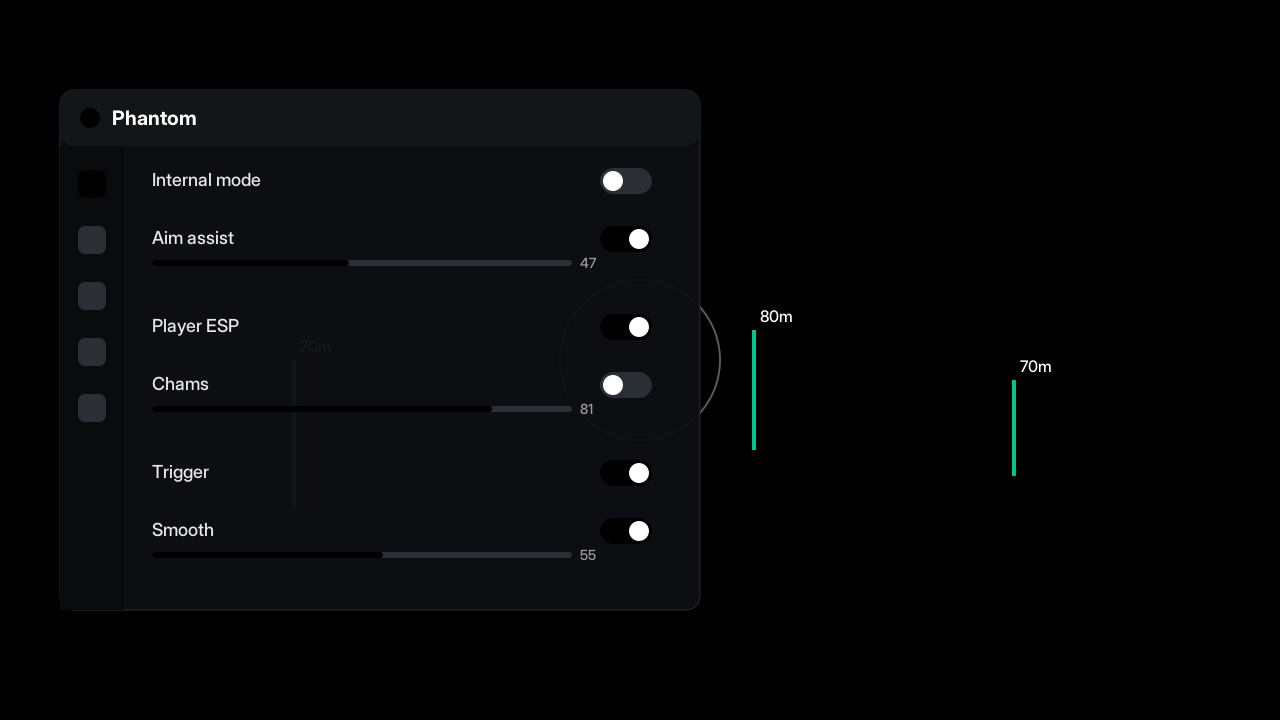
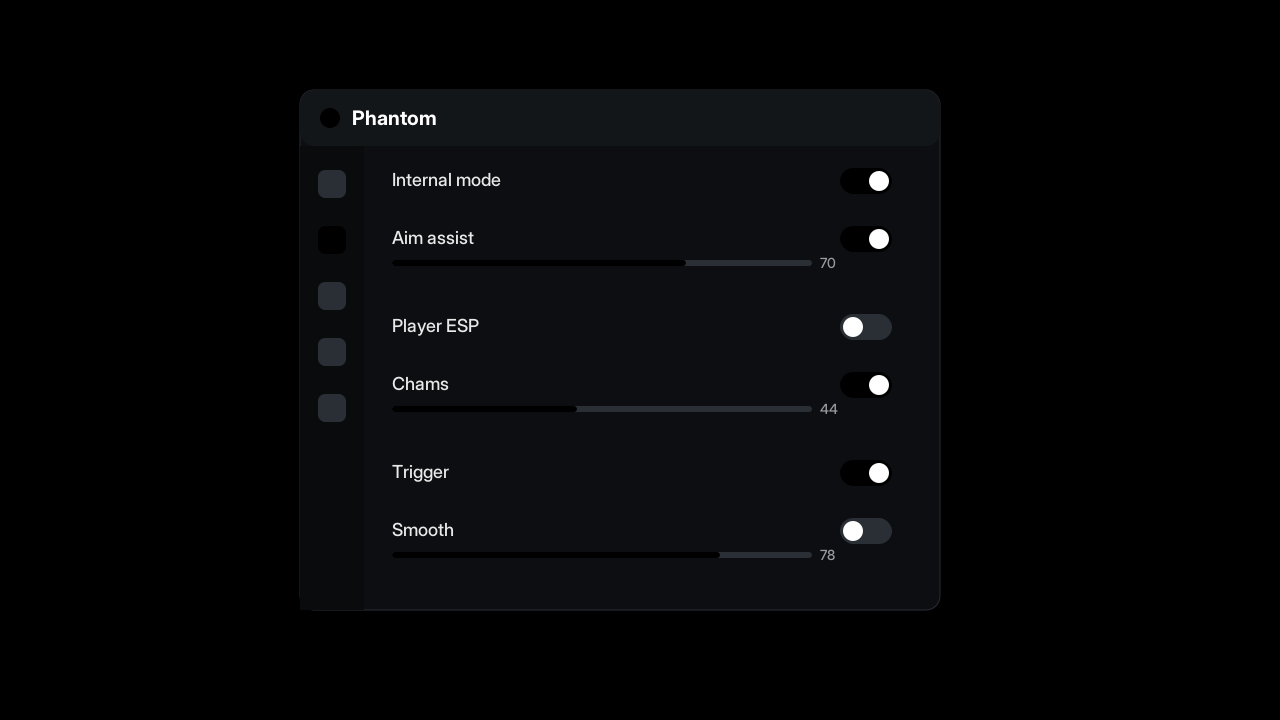
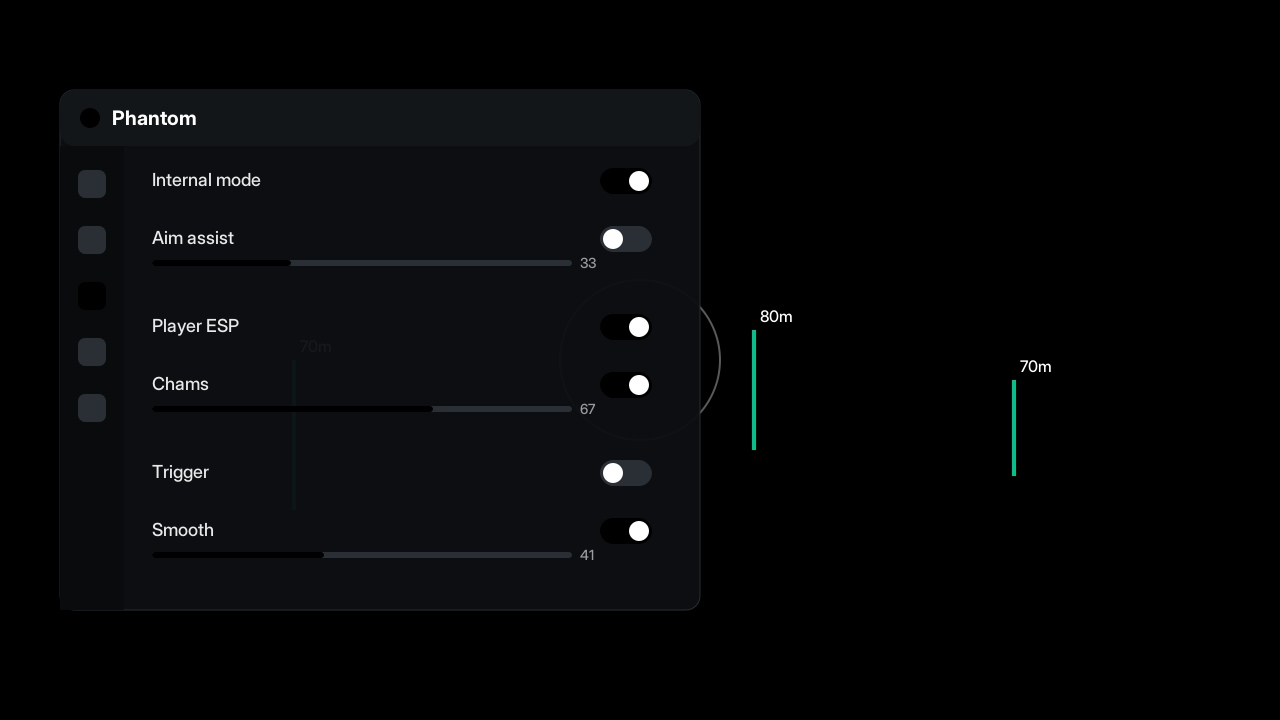
Phantom is an internal build for Delta Force with aim assist, chams and a triggerbot. Recommended for experienced users.
Status and last update
Safe
13.11.2026
v1.0 0
Description
 Often downloaded togetherObsidian cheat for Apex Legends
 Often downloaded togetherAurora ESP cheat for Delta Force
Videos & images
 1 / 3
System requirements
- Windows 10 / 11 (22H2 or newer), x64
- Intel or AMD processor
- Disabled Secure Boot and VBS may be required — see the guides in the blog
- Run the loader as administrator
| Mode | Internal |
| OS | Windows 10/11 x64 |
| CPU | Intel / AMD |
| Stream-proof | no |
| Updates | after every game patch |
Functions
- Aim assistAimbot
- SmoothingAimbot
- FOV circleAimbot
- Bone selectionAimbot
- Visibility checkAimbot
- TriggerbotAimbot
- Reaction delayAimbot
- HotkeyAimbot
- Player ESPVisuals
- BoxesVisuals
- NamesVisuals
- DistanceVisuals
- Health barVisuals
- SkeletonVisuals
- ChamsVisuals
- Colored models with visible/invisible statesVisuals
- Internal modeMisc
- In-game menu opened with a hotkeyMisc
Reviews 0 reviews
Download the product to leave a reviewNo reviews yet — be the first.
Why you can trust these reviews
01DownloadDownload confirmed
02ModerationChecked by a moderator
03PublishedAppears in the feed Verified
Verified downloads onlyA review can be left only after downloading the product
Human moderationEvery review is checked before publication
No manipulationReviews cannot be bought or removed on request
We show everythingBoth good and bad — without censorship
What we never doEdit review textsPay for reviewsDelete them at a developer's request
Recommended products




Frequently asked questions
Frequently asked questions
Choose a question from the list to see the answer.
The full list is in the "Functions" block on this page. Feature tags on the card show the main capabilities.
Yes, both Intel and AMD are supported unless the requirements block says otherwise.
About Phantom for Delta Force
Phantom is listed in the catalog with its current status, version history and system requirements. Before the first launch read the installation guide and make sure your system meets the requirements. If something does not work, check the status and contact support from the product page.